Free Fire Beta Testing Common Errors Fix – Complete Guide 2026
If you’ve downloaded the Free Fire Beta version and run into errors, you’re definitely not alone. With every new OB update, thousands of players face the same issues. Since the beta version is built purely for testing, small bugs and compatibility issues are completely normal. The good news is that most of these errors can be fixed with a few simple steps.
In this guide, we’ll walk you through how to fix the most common Free Fire Beta Testing errors so you can enjoy the new features without any interruptions.
What Is the Free Fire Beta Version?
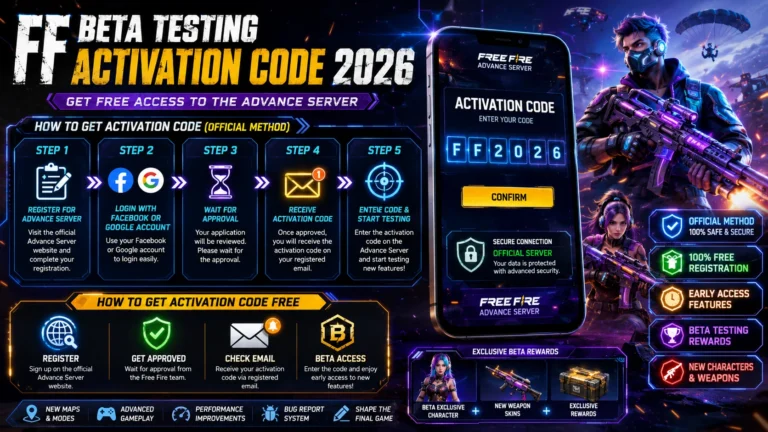
Free Fire Beta is a testing build that Garena releases to a select group of testers. Its purpose is to let players try out new features, maps, and weapons before they’re rolled out in the official update. Because this version isn’t fully stable, crashes, login issues, and installation errors are more common compared to the regular version.
1. “App Not Installed” Error Fix
This is one of the most common errors users encounter when installing the APK.
Cause:
Conflict with an existing Free Fire installation
Corrupted or incomplete APK file
Device storage settings are blocking installation
Solution:
Uninstall any existing version of Free Fire from your phone first. Re-download the APK file from a trusted source. Go to Settings and enable “Install Unknown Apps” permission. Restart your phone and try installing again.
2. Login Error or “Failed to Login” Issue
Beta testers often run into login errors, especially when signing in with a Facebook or Google account.
Cause:
Temporary downtime on the beta server
Account verification restrictions
Slow or unstable internet connection
Solution:
Check your internet connection first, and try switching to Wi-Fi.
If you’re using a VPN, turn it off, since some beta servers are region-locked.
Wait a little while, as server-side issues often resolve on their own.
If the problem persists, try logging in with a different method, such as Google or VK.
3. OB Version Mismatch Error
An error like “Your client version is outdated” usually appears when an older OB version is still installed on your device.
Solution:
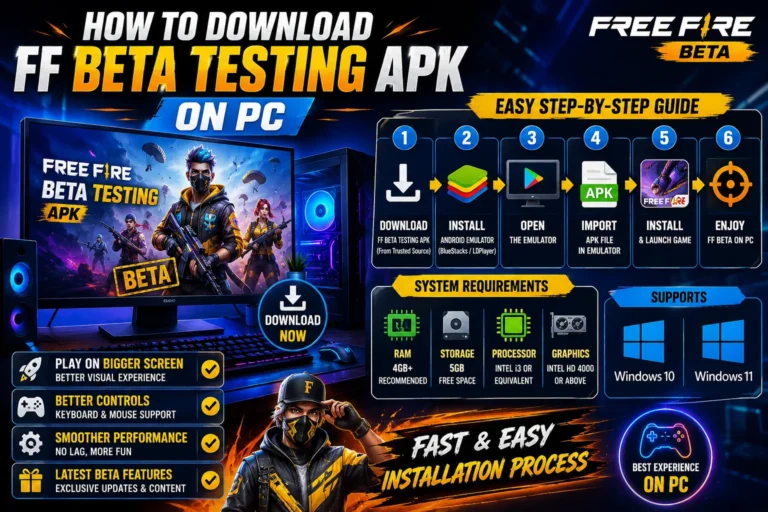
Make sure you’ve downloaded the latest OB Beta APK.
Fully uninstall the existing app instead of just updating it.
Clear the app’s cache and data through your phone’s storage settings.
Install the new version as a fresh installation.
4. Game Crashing or Freezing Issue
Game crashes are fairly common in beta versions, especially on lower-end devices.
Cause:
Low available RAM
Too many background apps are running
Graphics settings are set too high
Solution:
Set the graphics quality to “Smooth” or “Low.”
Close background apps to free up RAM.
Keep at least 2-3 GB of storage free on your device.
Keep the game updated with the latest patches.
5. Verification or Signature Error
This error usually occurs when the APK file has been modified or is corrupted.
Solution:
Always download the APK from an official or verified website. Check the file size after downloading to make sure it matches the expected size. If the error continues, re-download the file completely, as downloads sometimes get interrupted midway.
6. Beta Tester Slots Full Issue
Garena releases a limited number of beta slots, so access isn’t always available.
Solution:
Keep checking the official Free Fire Beta page regularly.
Turn on notifications so you know as soon as new slots open up.
If slots are full, wait for the next OB cycle, as slots are updated regularly.
General Tips to Avoid Free Fire Beta Errors
Always download the APK from a trusted and updated source.
Restart your phone regularly to keep the cache clear.
Maintain a healthy balance of free storage and RAM.
Avoid linking the beta version to your main ranked account, since beta builds can be unstable.
Conclusion
Most Free Fire Beta Testing common errors are minor technical issues that can be fixed with simple troubleshooting. Whether it’s a login error, installation problem, or OB version mismatch, the solutions above cover all the major cases. Remember, the whole point of the beta version is to test new features and give Garena feedback, so a little patience goes a long way.
If you’re facing an error that wasn’t covered here, let us know in the comments, and we’ll make sure to include the fix in our next guide.