
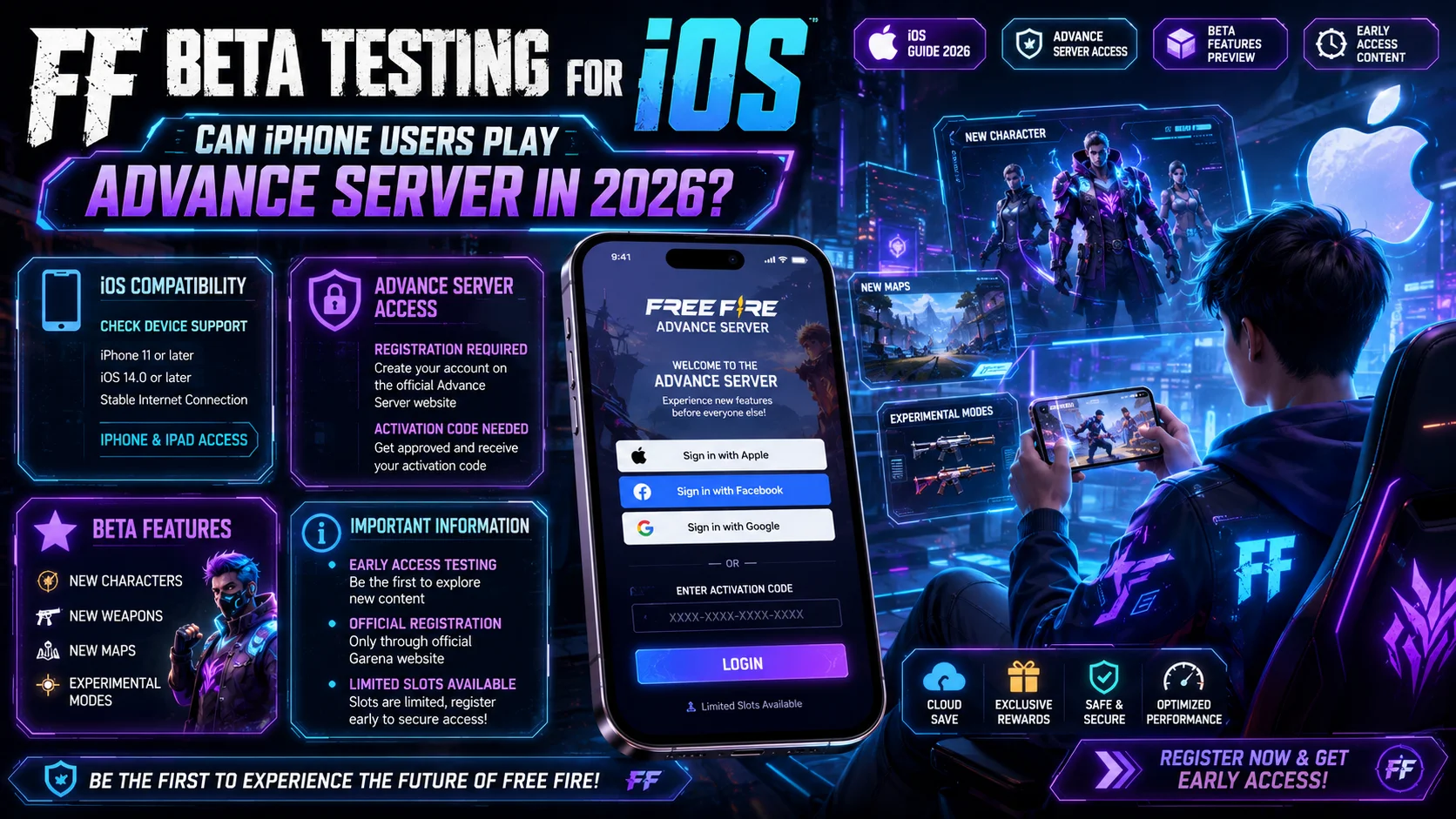
FF Beta Testing for iOS — Can iPhone Users Play Free Fire Advance Server? (2026)
If you are an iPhone user wondering whether you can join the FF Beta Testing Advanced Server, you have probably already noticed that every download button and every guide point to an APK file, which is an Android format. So what does that mean for iOS players? Can you actually join the Free Fire Advance Server on an iPhone or iPad in 2026?
The short answer is no, but the full picture is more useful than just a one-word answer. This guide explains exactly why FF Beta Testing is not available on iOS, what the technical reasons are behind that decision, what your actual options are as an iPhone user, and how you can still stay ahead of other Free Fire players even without beta access.
What Is FF Beta Testing and Why Do People Want It?
Before answering the iOS question, it helps to understand what FF Beta Testing actually is. The FF Beta Testing APK — officially called the Free Fire Advance Server — is Garena’s pre-release testing version of Free Fire. Selected players get access to it weeks before every major OB update goes live globally. Inside the Advance Server, you can play with new characters before they are released, test upcoming weapons and skins, explore updated maps, and report bugs to earn free diamonds. It is an exclusive program that gives you a real competitive and informational edge over every other player who has to wait for the official update. Naturally, millions of players want in — including a large number of iPhone users.
Is FF Beta Testing Available for iOS in 2026?
No. The FF Beta Testing APK is not available for iOS devices in 2026.
This includes all iPhone models and all iPad models, regardless of which iOS version you are running. There is no App Store version of FF Beta Testing, no IPA file for sideloading, and no official iOS pathway into the Free Fire Advance Server.
This has been the case since the Advance Server program launched, and as of the latest OB update cycle in 2026, Garena has not announced bringing iOS support to the beta program.
Why is FF Beta Testing Not Available on iPhone?
This is the question most iOS players want answered — and the reasons are technical, not arbitrary.
Reason 1 — APK Files Only Work on Android.
The FF Beta Testing file format is an APK, which stands for Android Package Kit. APK files are the installation format used exclusively by Android devices. iPhones and iPads run on Apple’s iOS operating system, which uses a completely different file format called IPA. An APK file cannot run on an iOS device under any circumstances — they are fundamentally different architectures.
Reason 2 — Apple’s App Store Policies Are Extremely Strict
Even if Garena wanted to release an iOS beta version, Apple’s App Store guidelines make it very difficult to distribute pre-release or beta applications to a wide public audience. Apple requires all apps distributed through the App Store to pass a thorough review process. A beta testing app with intentional bugs, experimental features, and an unstable server would face significant challenges getting approved — and Apple does not allow APK-style sideloading the way Android does.
Reason 3 — TestFlight is Apple’s beta distribution method, but Garena Has Not Used It
Apple has its own beta testing platform called TestFlight. Developers can use TestFlight to distribute pre-release apps to up to 10,000 external testers. However, Garena has not used TestFlight for the Free Fire Advance Server program. This could be due to Apple’s review requirements, the scale of the beta program, or a business decision to focus beta resources on Android, where the majority of Free Fire’s global player base plays.
Reason 4 — Most Free Fire Players Are on Android
Free Fire’s largest player bases are in South Asia, Southeast Asia, Latin America, and the Middle East — regions where Android devices dominate the mobile market by a very wide margin. Garena’s beta testing resources are naturally focused on the platform where most of their players and most of their bugs will be found. iOS support for the Advance Server would require a completely separate development and testing pipeline for a much smaller segment of the user base.
Can You Sideload FF Beta Testing on iPhone?
No. Unlike Android, iOS does not allow sideloading APK files from outside the App Store. Apple’s ecosystem is designed to run only apps that are signed and distributed through Apple’s official channels. Even with a jailbroken iPhone, you cannot run an APK file — jailbreaking gives you more filesystem access, but it does not change the underlying chip architecture or make your iPhone capable of executing Android application code.
Any website claiming to offer an iOS version of FF Beta Testing, an iPhone-compatible APK, or a jailbreak method to install the Advanced Server is either misinformed or actively trying to scam you. Do not download anything from such sources — they will not work and may put your device or your Free Fire account at risk.
Can You Play FF Beta Testing on iPhone Using an Emulator?
This is a question many players ask, thinking the same approach that works on PC — using BlueStacks or LDPlayer — might work on iPhone too.
Unfortunately, it does not. Android emulators like BlueStacks are available for Windows and macOS computers, but not for iOS. There is no Android emulator available on the iPhone App Store, and Apple’s policies prevent one from being developed. You cannot run Android apps on an iPhone through any emulator, regardless of your iPhone model or iOS version.
What Can iPhone Users Do Instead?
Just because you cannot access the FF Beta Advance Server on iOS does not mean you are completely locked out of early Free Fire information. Here are the best alternatives for iPhone users who want to stay ahead:
Follow Official Free Fire Channels for Early Announcements
Garena regularly announces upcoming features, new characters, and OB update previews through their official social media channels well before the official release. Following Free Fire on YouTube, Instagram, Facebook, and their official website gives you access to character ability previews, weapon showcases, and patch note breakdowns before the update drops.
Watch Beta Testers on YouTube
Thousands of Android beta testers record and upload gameplay footage from the Advance Server immediately after gaining access. Searching for FF Beta Testing gameplay videos on YouTube gives you a detailed look at every new feature, character ability, weapon stat, and map change before the official update — without needing access to the server yourself.
Play on PC Using BlueStacks (If You Have a Windows or Mac Computer)
If you have access to a Windows PC or a Mac computer, you can install the FF Beta Testing APK through an Android emulator like BlueStacks or LDPlayer. This is a legitimate workaround that many players use. The emulator runs Android virtually on your computer, allowing you to install and play the FF Beta APK with your real Free Fire account and activation code. The gameplay experience is different from mobile but fully functional.
Register for the Advance Server Anyway
Even though the beta itself is only accessible on Android, you can still register for the Free Fire Advance Server using your Free Fire account. If Garena ever introduces iOS support in a future cycle, players who have already registered and been active in the community will likely have a better chance of early access.
AdvancedUse Your Free Fire Account on an Android Device Temporarily
If you have access to any Android device — a friend’s phone, a family member’s tablet, or a secondhand budget Android — you can log into your Free Fire account on that device to access the Advance Server. Your Free Fire account is not locked to a specific device or operating system. This is the most direct way for iPhone users to experience the beta without switching phones permanently.
Will FF Beta Testing Ever Come to iOS?
As of 2026, Garena has not made any official announcement about bringing the Free Fire Advance Server to iOS. The structural reasons — Apple’s App Store policies, the APK format limitation, and the Android-dominant player base — are not likely to change soon.
However, it is not impossible. If Garena chooses to use Apple’s TestFlight platform for a future beta cycle, iOS players could potentially be included. The game itself — the regular version of Free Fire — is available on iOS, which shows Garena is willing to develop for Apple’s platform. Whether they extend that commitment to the Advance Server remains to be seen.
The best approach for iPhone users is to stay registered, follow official channels, and check back at the start of each new OB update cycle for any changes to iOS eligibility.
Final Words
The honest answer for every iPhone user asking this question in 2026 is clear — the FF Beta Testing Advanced Server is not available on iOS, and there is no legitimate workaround that changes that on the iPhone itself. The APK format, Apple’s ecosystem restrictions, and Garena’s current focus on Android testing all point in the same direction.
That said, iPhone users are not completely without options. Watching beta gameplay on YouTube, following official Free Fire channels, and using a PC emulator or borrowed Android device are all real ways to stay informed and ahead of the competition even without direct beta access.
Stay registered, stay active in the game, and check back every OB cycle — because if Garena ever opens the Advance Server to iOS players, early registrants will be first in line.