How to Get Access to FF Beta Testing 2026 – Step-by-Step Registration Guide
Introduction
Getting access to FF Beta Testing is one of the most sought-after privileges in the Free Fire community. The program is exclusive, limited, and requires players to meet specific criteria set by Garena. If you have been wondering how to join the FF Beta Testing program, this complete guide walks you through every step of the registration and application process.
Who Can Apply for FF Beta Testing?
Not every Free Fire player can join the beta testing program. Garena selects participants based on their gameplay experience, account standing, and regional availability. Generally, players must have an active Free Fire account in good standing with no recent bans or violations, have a certain level of gameplay experience (typically higher levels are preferred), be located in a region where the Advance Server is available, and have a compatible Android device that meets the minimum system requirements.
Understanding the Activation Code System
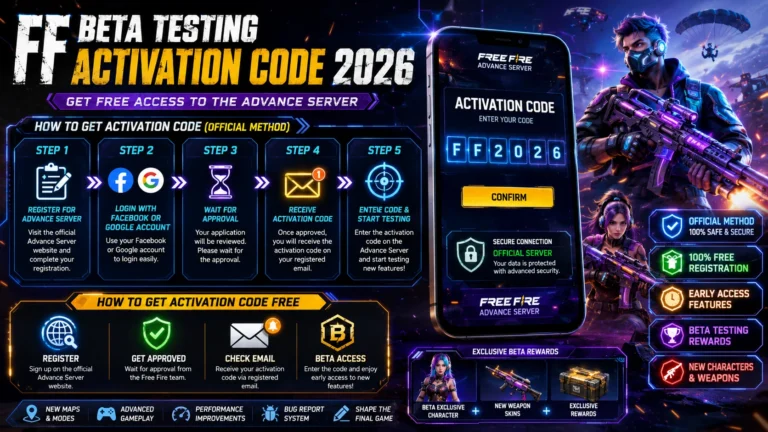
FF Beta Testing uses an activation code system to control access. When you download the Advanced Server APK, you will need to enter a valid activation code to log in and play. These codes are distributed by Garena through their official website and social media channels during registration windows. The number of available codes is limited, so timing your application correctly is crucial.
Step 1 – Visit the Official Registration Page
When Garena opens a new beta testing cycle, they announce it on the official Free Fire social media pages and website. Visit the official Advance Server registration page during the open registration period. This page is usually active for a few days before the beta begins.
Step 2 – Log In with Your Free Fire Account
On the registration page, you will need to log in using the same account you use for the Global Version of Free Fire. You can sign in with Facebook, Google, VK, or other linked accounts. Make sure you are using the account you want associated with your beta testing profile.
Step 3 – Complete the Registration Form
After logging in, fill out the registration form with your details, including your preferred region and device information. Some registration cycles also ask why you want to participate in the beta. Writing a genuine and detailed response can improve your chances of being selected.
Step 4 – Wait for Confirmation
After submitting your application, Garena reviews submissions and sends activation codes to selected players via email or directly to their game inbox. This process can take anywhere from a few hours to several days. Keep checking your registered email address and your in-game mailbox for the activation code.
Step 5 – Download and Enter Your Code
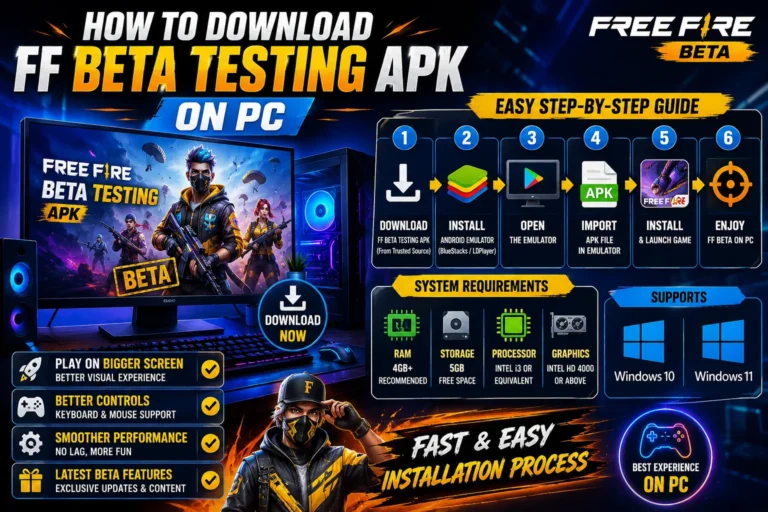
Once you receive your activation code, download the FF Beta Testing APK, install it on your device, and enter the code at the login screen. Your code is unique and can only be used once. After entering it successfully, you will have full access to the beta server until the testing cycle ends.
Tips to Increase Your Chances of Selection
To maximize your chances of being selected, apply as early as possible during the registration window since slots fill up quickly. Maintain a clean account record with no bans or violations. Be active in the Free Fire community on official platforms. Make sure your device fully meets the technical requirements. Keep your Free Fire app updated to the latest version before applying.